

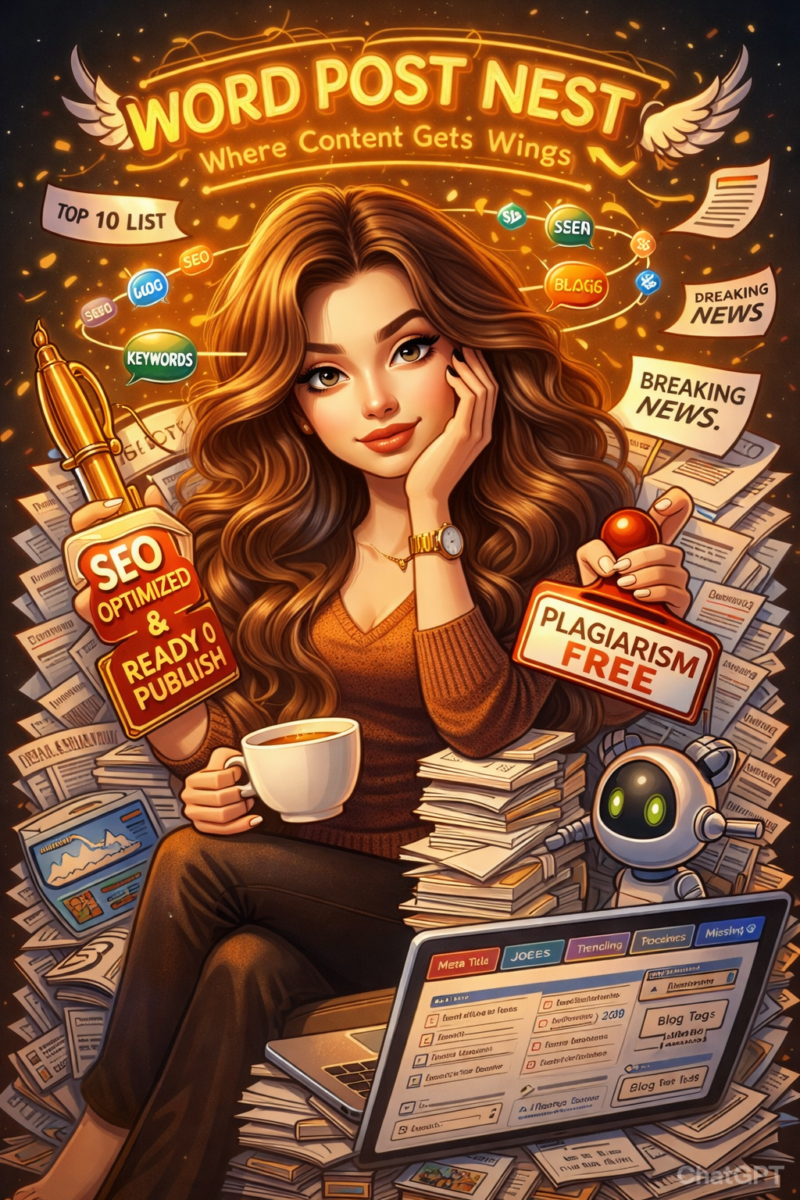
Discover the viral AI caricature trend taking over social media. Learn what it is, why it’s trending, and how to create your own AI cartoon portrait step by step. The internet moves fast — and in 2026, a new AI art phenomenon has taken over social media feeds everywhere. People from all walks of life are transforming ordinary photos into playful, exaggerated caricatures using artificial intelligence, creating images that feel both personal and hilarious. This trend isn’t just another filter — it’s a movement that blends technology, creativity, and identity in a way that’s perfect for sharing on Instagram, TikTok, LinkedIn, and WhatsApp.
In this blog post, we’ll unpack what this trend is all about, why it has exploded in popularity, and how you can create your own caricature step by step — without needing any artistic skills.
What Is the AI Caricature Trend?
At its core, the AI caricature trend allows users to generate cartoon-style versions of themselves using advanced AI image tools. Unlike traditional social media filters that only adjust lighting or add effects, AI caricature generators analyze facial features and creatively exaggerate them to produce stylized portraits.
These portraits often highlight defining traits — such as big smiles, expressive eyes, hairstyles, or even posture — while maintaining a recognizable likeness. Many users also include prompts describing their profession or hobbies, which helps the AI create themed backgrounds and accessories that match their identity.
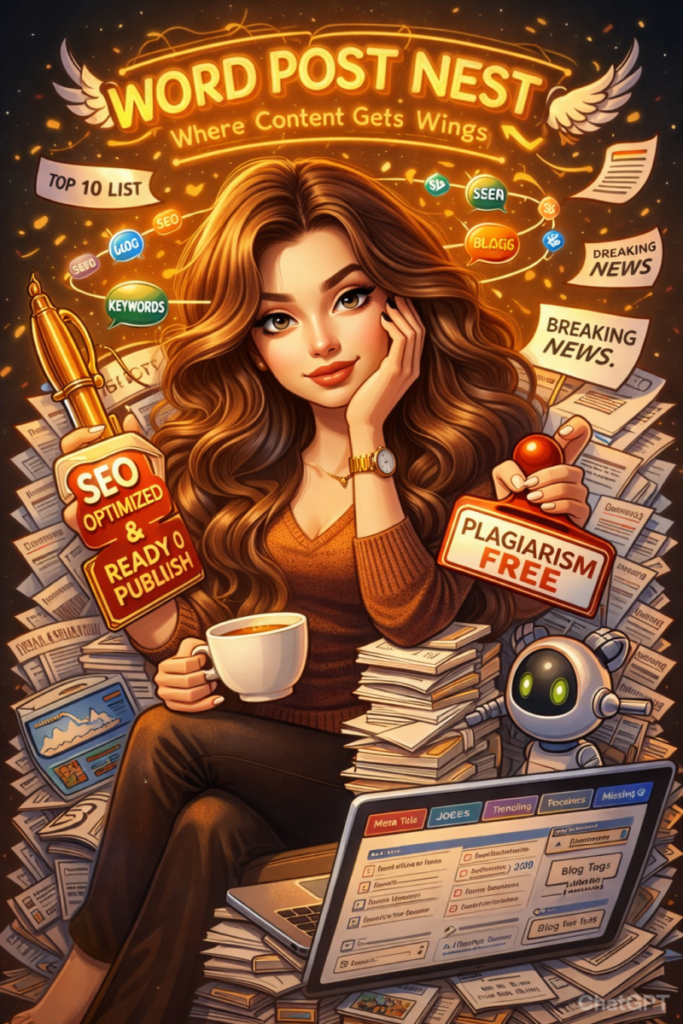
The result? A fun, personalized cartoon version of yourself that looks professionally illustrated — created in seconds.
Table of Contents
Why This Trend Is Going Viral
- Instant and Effortless Creativity
One of the biggest reasons behind the trend’s popularity is how simple it is to use. Anyone can participate. There’s no need for drawing skills, design software, or editing knowledge. Upload a photo, type a prompt, and let the AI do the rest.
Within moments, you have a ready-to-share caricature.
- Highly Personalized Results
People love seeing creative interpretations of themselves. AI tools don’t just apply a preset filter — they analyze the uploaded image and combine it with written instructions. This creates results that feel personal and unique.
For example, a teacher might appear holding books in a classroom-style background, while a fitness enthusiast could be illustrated in gym attire with exaggerated energetic expressions.
That level of personalization makes the images more engaging and share-worthy.
- Social Media Friendly
Caricatures are eye-catching. They stand out in crowded feeds because they’re colorful, expressive, and slightly exaggerated. Many users are switching their profile pictures to AI-generated caricatures or sharing side-by-side comparisons of their real photo and cartoon version.
The trend naturally encourages interaction — friends tag each other, compare results, and challenge others to create their own versions.
- Perfect for Personal Branding
Beyond entertainment, professionals are using AI caricatures for branding purposes. Creators, freelancers, and entrepreneurs are adding them to their LinkedIn profiles, websites, and digital portfolios to appear more approachable and memorable.
It’s a fun way to showcase personality while maintaining a professional edge.
How to Create Your Own AI Caricature (Step-by-Step Guide)
If you’re ready to join the trend, here’s how you can do it:
Step 1: Select a High-Quality Photo
Choose a clear, well-lit image where your face is visible. Front-facing photos typically produce the best results because AI tools can easily detect facial features.
Avoid blurry images or heavy shadows for better accuracy.
Step 2: Use an AI Image Generator
Open an AI platform that supports image uploads and text prompts. Many modern AI tools allow you to upload a photo and describe the type of caricature you want.
No technical skills are required — most platforms are beginner-friendly.
Step 3: Write a Detailed Prompt
Your prompt plays a big role in the final outcome. Be descriptive.
For example:
“Create a colorful cartoon-style caricature of me at work, exaggerating my smile and hairstyle, with elements related to digital marketing in the background.”
The more detail you provide, the more customized your caricature will be.
Step 4: Generate and Refine
Submit your photo and prompt. Within seconds, the AI will generate your caricature. If you’re not fully satisfied, tweak the prompt and regenerate until you get the look you want.
Step 5: Download and Share
Once you’re happy with the result, download the image in high resolution and share it across your social media platforms. Add trending hashtags to boost visibility and engagement.
Things to Keep in Mind – Privacy Considerations
Whenever you upload a personal image to an online AI tool, it’s important to review the platform’s privacy policy. Understand how your data is processed and whether images are stored or deleted after use.
If privacy is a concern, avoid uploading sensitive or personal photographs.
Read Also – AI and Geoffrey Hinton on the Best Use of Artificial
Creative Saturation
As more people join the trend, some caricature styles may start to look similar. To stand out, experiment with different prompts, themes, and artistic styles.
Adding personality-driven elements — such as hobbies, pets, or unique background settings — can help make your caricature distinctive.
Final Thoughts
The AI caricature trend reflects how technology continues to reshape digital creativity. What once required professional artists and hours of illustration work can now be generated instantly with a simple prompt.
This trend isn’t just about fun visuals — it highlights a shift toward personalized, AI-driven content that allows anyone to become a creator.
Whether you’re using it for entertainment, engagement, or personal branding, creating your own AI caricature is a simple and exciting way to participate in the future of digital expression.





[…] Read Also – AI Caricature Trend Goes Viral: What It Is & How to […]